
How to Turn Your Pet's Photo Into a Shirt (And Which Photos Work Best)
We print a lot of dogs. A fair number of cats. The shirts that come out looking like the actual animal, rather than a blurry approximation of one, almost always start from the same kind of photo.
Here is what to look for.
Three things that decide how your shirt turns out
1. Light on the face
Daylight from a window beats a flash every time. Flash flattens fur and blows out the white patches on a chest or muzzle. Take the photo near a window with the light coming from the side, not from behind your pet.
Backlit photos are the single most common problem we see. Your eyes correct for it automatically. A camera does not, and neither does a printer.
2. Distance
Get closer than feels natural. A photo taken from across the room might have your dog occupying 300 pixels of the frame, and no amount of preparation adds detail that was never captured in the first place.
Fill the frame with the head and chest. If the photo already exists and you cannot retake it, send it anyway and we will tell you honestly whether it will hold up.
3. Contrast with the background
A black dog on a dark sofa is hard. A black dog on a light rug is easy. We cut your pet out of the background by hand, and that work is far cleaner when there is a visible edge to follow.
What we fix for you
- Colour casts from indoor lighting
- Slightly soft focus, within reason
- Cutting your pet out of a busy background
- Cropping and positioning so the print sits properly on the chest
- Old, faded or scanned photos, which we can usually bring back
What we cannot fix
- Motion blur. If your dog moved, the detail is gone and nothing recovers it.
- Very low resolution. A screenshot of a screenshot, or an image saved out of a messaging app that compressed it twice.
- Heavy filters already baked into the file.
If your photo has one of these problems, we contact you before printing. We would rather hold your order for a day than send you something you are disappointed by.
How big does the file need to be?
Our front print area is 4500 by 5100 pixels. You do not need a file that large, and almost no phone photo is. But the closer you get, the better it prints.
As a rule of thumb: any photo taken on a phone in the last five years will print well, if you send the original. Photos sent through chat apps are often compressed to a fraction of their original size, and that is where quality quietly disappears.
What happens after you order
You upload your photo at checkout. Then a person, not a filter, prepares the print file: cutting out the background, correcting colour, and positioning the image on the garment. It is printed to order inside the USA and shipped with tracking.
Allow 3 to 7 business days for us to make it, then 3 to 5 business days for standard delivery.
Choosing the garment
The same photo works on a t-shirt, a crewneck sweatshirt or a hoodie, in Black, White, Sand or Sport Grey, sizes S to 2XL.
One tip worth knowing: photos with dark or moody backgrounds sit best on black, while bright, high-key photos look better on white or sand. If you are unsure, email us the photo before you order and we will tell you which we would pick.
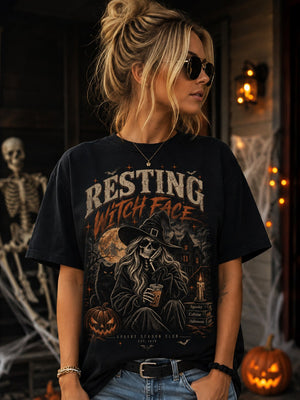
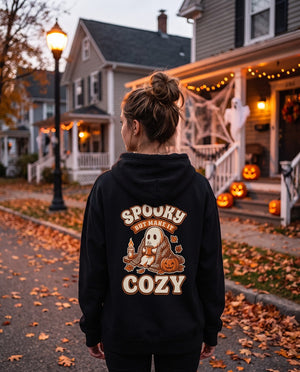
This Halloween: your pet, in costume
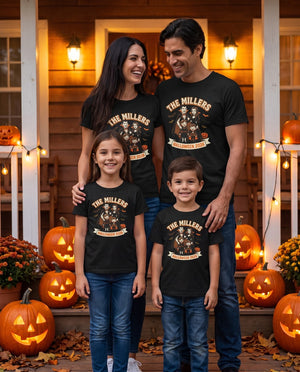
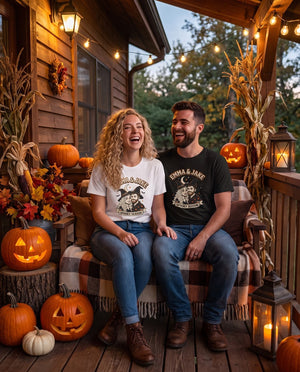
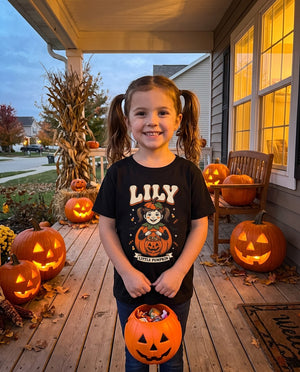
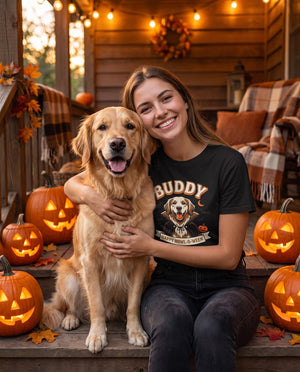
For October we turn your pet photo into a vintage Halloween costume portrait: a tiny vampire, a pumpkin or a ghost, printed on a tee or a hoodie. The same photo tips above apply.